In short: In random video chat, people will forgive a slightly grainy picture, but never inaudible sound. Echo, hiss, a clipping mic or a voice that sounds miles away: these flaws push the other person to skip to the next stranger before they've even caught your name. A few browser settings, a decent headset, a room with a bit of acoustic treatment and some good speaking habits are enough to transform your sessions. Here's the complete guide.
Why sound matters more than picture
On a random video chat platform, everything is decided in three or four seconds. People do look at your face, yes, but above all they listen to your voice. And the human brain has very little tolerance for audio problems: a pixelated image is still readable, choppy sound is not. When you have to ask someone to repeat themselves twice, the temptation to click "next" is immediate — it's free and carries no consequences.
Hearing specialists regularly point this out: understanding degraded speech demands significant cognitive effort. The INRS, in its publications on workplace noise, refers to the "attentional fatigue" linked to poor sound environments. Applied to video chat, the conclusion is simple: if the person on the other end has to work to understand you, they'll give up.
This is all the more critical because the format inherited from Chatroulette, launched in November 2009 by Andrey Ternovskiy, rests entirely on spontaneous exchange. No second chance, no "I'll call you back". Our video chat guide puts a lot of emphasis on lighting and framing; sound deserves exactly the same attention.
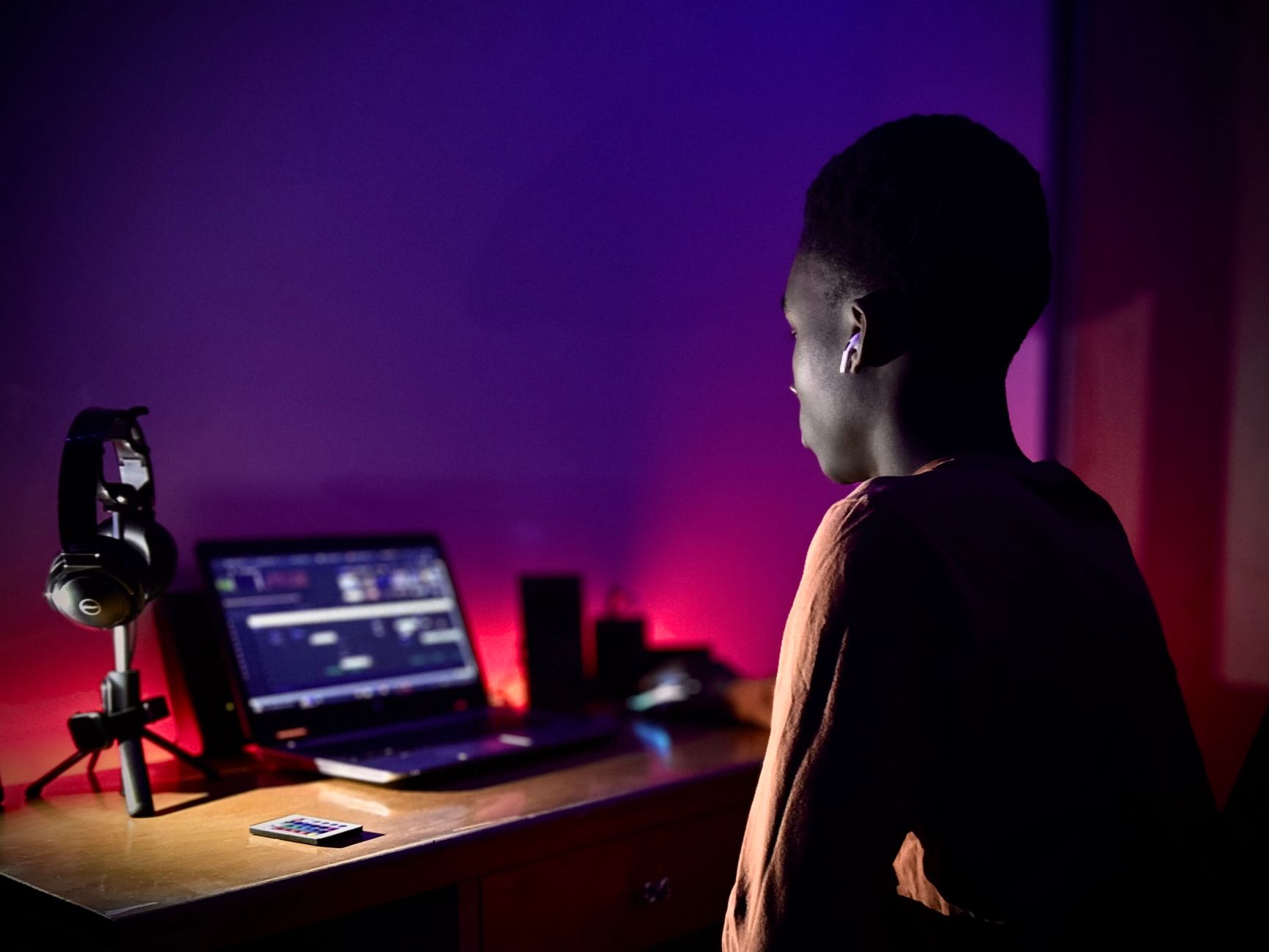
The five audio flaws that drive people away
Before talking gear, let's identify the enemy. In the vast majority of cases, the problem comes down to one of these five flaws.
| Flaw | What the other person hears | Most common cause |
|---|---|---|
| Echo | Their own voice coming back | Open speakers picked up by the mic |
| Feedback | Piercing squeal | Mic too close to the speakers, volume too high |
| Distant voice | You sound like you're "at the back of the room" | Built-in mic on the screen or webcam |
| Reverb | "Bathroom" voice | Empty room, bare walls, hardwood floor |
| Background noise | Fan, TV, traffic | Open window, noisy computer |
Echo, public enemy number one
Echo is almost never your fault in the strict sense: it appears when the sound coming out of your speakers is picked up again by your mic and sent back to the person you're talking to. They hear themselves speaking with a half-second delay, which makes conversation nearly impossible.
The fix is radical and free: use headphones. As soon as the sound stops playing into the room, the loop is broken. It's the one tip in this article that single-handedly solves half the problems.
Reverb, the invisible enemy
A student bedroom with a bare wall, a home office without curtains, a living room with polished parquet: these rooms bounce sound in every direction. Your voice arrives sounding "hollow", as if recorded in a hallway. The remedy often costs nothing: a rug, thick curtains, a full bookcase or even a nearby bed will absorb a good share of the reflections. For tricky cases, acoustic foam panels mounted on the wall behind your screen make a spectacular difference on a modest budget.
Choosing your gear: what really makes a difference
There's no "mandatory" equipment for chatting over video. But the mic built into a laptop is, by design, the worst possible choice: it sits near the keyboard, picks up the fan, and is fifty centimetres from your mouth.
The headset: the best value for money
For most users, a wired headset with a mic is more than enough. The mic sits a few centimetres from your mouth, echo disappears, ambient noise fades into the background. Look for:
- a wired connection (jack or USB): no latency, no battery dying mid-conversation;
- an adjustable boom mic, positioned to the side of your mouth rather than in front of it, to avoid popping on P and B sounds;
- comfortable ear cushions if you tend to do long back-to-back sessions.
Bluetooth, on the other hand, has a specific drawback: as soon as a wireless headset's mic activates, listening quality drops sharply (the infamous "hands-free" profile). You'll hear the other person as if you were on a phone call from the 2000s.
The USB desktop mic
If you'd rather keep your head free on camera — for a better first impression, which is a valid argument — a USB condenser microphone placed in front of you will do a far better job than the built-in mic. Two precautions:
- keep it about 20 to 30 cm from your mouth, slightly off-axis;
- set it on a shock mount or a mat, otherwise every keystroke will crack in the other person's ear.
In that case, headphones remain essential for listening, or echo comes galloping back. Discreet in-ear buds, nearly invisible on camera, are a good compromise.
Webcams with built-in mics: for emergencies only
Many external webcams include two microphones. That's better than a laptop mic, but the distance is still considerable and the wide pickup pattern brings in the whole room. Treat it as a fallback rather than a deliberate choice.

Setting up your browser in two minutes
Most random video chat platforms run directly in the browser, with no installation — a point we cover in detail in our article on video chat with no download. The flip side: it's the browser, not the site, that decides which mic is used.
Check the selected device
A classic scenario: you plug in a headset, but the browser keeps using the built-in mic because it was selected by default. As a result, your headset is only doing the listening.
- Open your browser's privacy settings (Chrome: Settings → Privacy and security → Site settings → Microphone; Firefox: Settings → Privacy & Security → Permissions).
- Check the default device in the drop-down list.
- Also check your system settings: on Windows, Settings → System → Sound; on macOS, System Settings → Sound → Input.
Test before you dive in
The habit that saves you ten minutes of awkwardness: run a test before your first connection of the day. A simple voice recorder (the "Voice Recorder" app on Windows, "Voice Memos" on macOS and iOS) will do. Listen back on headphones: if you sound distant, nasal or drowned in hiss, so will you to the other person.
Managing input volume
A mic set too loud clips the moment you laugh or raise your voice; too quiet, and it forces the other person to turn theirs up and pick up all the background noise along with it. Aim for a setting where your normal speaking voice makes the level meter "breathe" without ever pinning it at maximum. On Windows, the "microphone boost" option is often best disabled: it mostly amplifies hiss.
A good rule of thumb: if you have to shout to be heard, the problem isn't the volume, it's the distance between your mouth and the mic.
Taking control of your sound environment
The best microphone in the world won't compensate for a washing machine on spin cycle. A few habits are enough.
- Close the window if you look out onto a busy street; traffic is the most tiring noise to listen to, because it never stops.
- Cut out stray sources: television, music, sound notifications. A notification that pings mid-sentence gives the impression your mind is elsewhere.
- Watch out for your computer's fan: in summer or during a long session, it ramps up and becomes very audible. Close unnecessary tabs; a cooling stand for laptops also helps limit the temperature rise, and therefore the noise.
- Give the other people in your home a heads-up, or pick a quiet time slot.
These precautions echo the framing and background advice we give in our article on making a great first impression on webcam: what people hear behind you says as much as what they see.
Speaking to be understood
Technique isn't everything. The way you speak counts at least as much, especially with people who may not share your native language — an extremely common situation on these platforms.
Pace and articulation
Slow down slightly. Not so much that you sound artificial, but enough for each word to stand out. Native speakers tend to run syllables together, which makes comprehension hard for non-natives. Articulate word endings, and leave real pauses between sentences.
Handling latency
There's always a delay of a few tenths of a second between what you say and what the other person hears. Hence those exchanges where you keep talking over each other. The workaround: leave half a second of silence after the other person finishes a sentence before you reply. It's not much, and it's enough to smooth out the whole conversation.
Non-verbal language still rules
When the audio really drops out — it happens, and connection quality on both ends comes into play — switch to the platform's text chat or to clear gestures: thumbs up, a hand signalling "hold on", a smile. Plenty of memorable exchanges have been built without a single word, as our best conversation starters show — they work in written form too.
Protecting your ears during long sessions
One point that's too rarely raised: video chat sessions can stretch over several hours with headphones on. The World Health Organization and Santé publique France have been warning for years about prolonged exposure to sound through earphones, particularly among young adults. The risk isn't just high volume: it's cumulative duration.
A few simple benchmarks:
- apply the 60/60 rule: no more than 60% of maximum volume, no more than 60 minutes at a stretch without a break;
- favour over-ear headphones (which enclose the ear) over in-ears cranked to the max: good passive isolation lets you listen at lower levels;
- if you notice ringing or a "muffled" sensation in your ears after a session, that's a warning sign not to ignore. France's health insurance service (Ameli) recommends seeing a doctor if tinnitus persists.
This question of time spent ties into the broader issue of digital balance: random video chat is an excellent occasional remedy for loneliness, but it works better in short, spaced-out sessions than in all-night marathons.
The five-minute checklist
Before your next session, run through this list:
- Headphones plugged in, speakers off → no more echo.
- Correct device selected in the browser and in the system.
- Mic 5–30 cm from your mouth depending on the type, slightly off-axis.
- Input volume tested beforehand with a recorder.
- Window closed, notifications muted, room at least minimally furnished.
- Slower pace, half a second of pause before replying.
None of this requires any particular technical skill or heavy investment. That's precisely what makes it frustrating: most conversations ruined by bad audio could have been saved by five minutes of preparation.
What good sound actually changes
A clear, steady voice, free of echo and hiss, produces three immediate effects. First, the other person stays: they have no reason to click "next". Second, they perceive you as someone serious and considerate — audio quality is unconsciously associated with the attention you pay to others. Finally, the conversation can genuinely develop, move on to less superficial topics, and last.
Conversely, mediocre sound condemns the exchange to the surface: you repeat yourself, you spell things out, you give up. On a format where each connection lasts a few dozen seconds on average, that's a deal-breaker.
Random video chat is, above all, a matter of curiosity and mutual respect, as our articles on video chat etiquette and online safety point out. But between two equally curious people, it's often sound quality that decides which of the two conversations carries on. You may as well stack the odds in your favour.