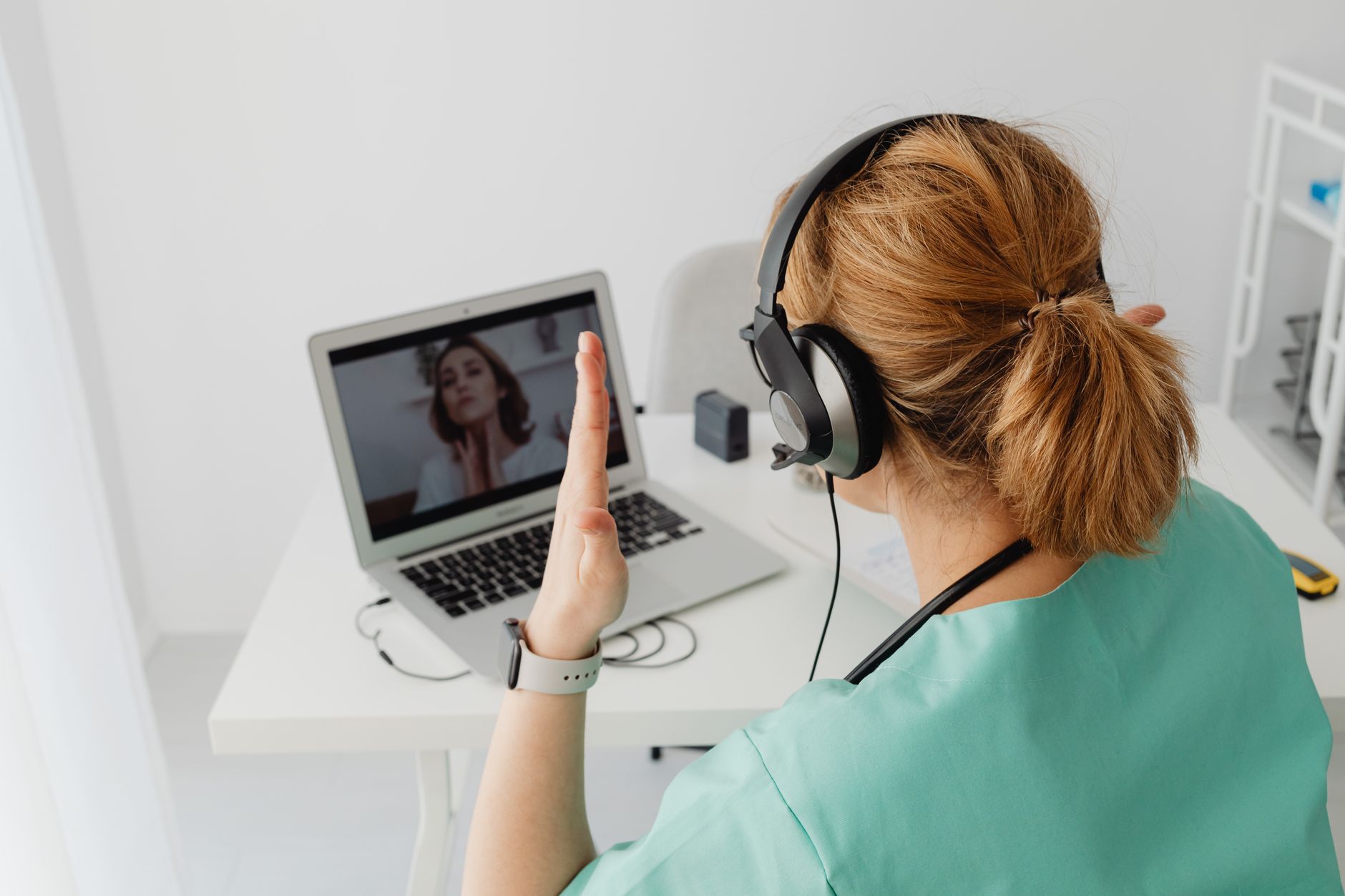
In short: Opening a chatroulette site on a work computer, even during your break, is not a neutral act. In France, an employer may lawfully inspect the files and browsing history on a workstation as soon as they are not identified as personal, and the IT charter is the reference document. On top of that come far more mundane risks: a colleague walking up behind you, a badge visible on screen, an open microphone. This guide explains what the law says, what an IT department actually sees, and sets out a five-point method for keeping things separate.
The 1 p.m. break reflex
The scene is unremarkable. It's 12:50, the office has emptied out, the sandwich is finished, and there are twenty minutes left before the meeting. You open a tab, click "start", talk to two or three strangers, then close it again. Working from home, it's even easier: nobody walks past, the door is shut, the laptop is sitting on the kitchen table.
This use exists, it is widespread, and there is nothing inherently illegitimate about it. Random video chat is a leisure activity like any other, no different from reading the news online or watching a video. The problem isn't a moral one: it is material and contractual.
Because a work computer is not just a computer. It is equipment made available by an employer, usually configured, logged and sometimes administered remotely. And because a webcam switched on in a workspace never films only you.
This article isn't trying to scare anyone or lay down prohibitions. Its aim is that nobody should discover the rules of the game in the middle of a meeting with HR.
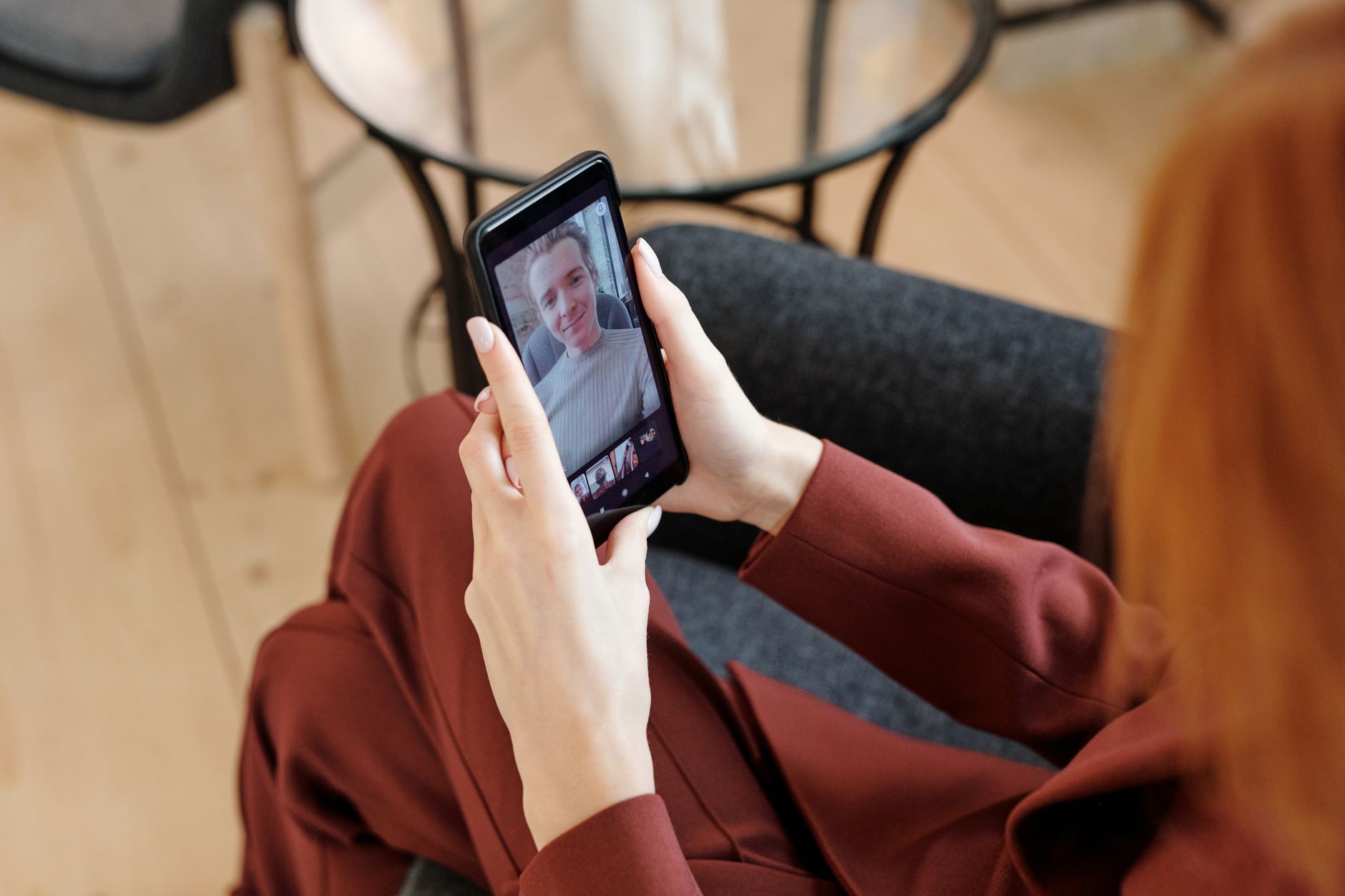
What French law actually says
The principle: presumption of professional use
The basic rule has been consistent in the case law of the Cour de cassation since the Nikon ruling of 2001, clarified many times since: files and connections created from a workstation are presumed to be professional. The employer may therefore access them without the employee being present, except for anything explicitly identified as personal.
In practical terms:
- A folder named "Perso" or "Private" enjoys protection: the employer can only open it in the employee's presence or with a serious justification.
- Browsing history, by contrast, falls outside that protection. The Cour de cassation has ruled on several occasions that internet connections made from a work station are presumed to be professional in nature, and that the employer may consult them freely.
In other words: you cannot label your browsing history as personal. That's the point most employees are unaware of.
The CNIL and tolerated personal use
The Commission nationale de l'informatique et des libertés (CNIL) reminds employers in its guidance that reasonable personal use of the company's digital tools is permitted, and that monitoring must remain proportionate. An employer cannot set up permanent, individualised surveillance without informing employees beforehand and consulting the social and economic committee.
But "reasonable" is not a blank cheque. The CNIL and the courts regularly apply three criteria:
| Criterion | What's acceptable | What causes problems |
|---|---|---|
| Duration | A few minutes during a break | Several hours accumulated per week |
| Nature of the content | Ordinary browsing | Adult content, risky sites |
| Impact | None on the workload | Delays, tasks left undone |
Random video chat unfortunately ticks a sensitive box on the second row: even when the conversation is perfectly innocuous on your side, you have no control over what the stranger opposite decides to show. Explicit content received unintentionally still leaves a network trace on the company side, and a security filter can flag it as an alert.
The IT charter, the key document
In most French companies, an IT charter is appended to the internal rules. It then has binding force and can be the basis for disciplinary action. Most such charters explicitly prohibit access to dating, chat and adult content sites from company equipment — often grouped into a single category by filtering software.
The useful reflex isn't guesswork: it's re-reading your company's IT charter. It is usually available on the intranet, and it states in black and white which categories are blocked and how monitoring is carried out.
What an IT department really sees
There's a stubborn belief that "nobody's looking". That's partly true — no administrator has time to read the connection logs of 400 employees. But the tools never sleep.
Network filtering
Most corporate networks route traffic through a proxy or an application firewall that classifies domains by category. The major random video chat platforms — Chatrandom, OmeTV, Bazoocam and their clones — have long been listed under "chat" or "adult" categories. The site simply doesn't open, or it opens but generates a log entry.
Automatic alerts
Alerts generally only trigger beyond a threshold: abnormal volume, a prohibited category, an attempted workaround. And circumvention is precisely the move that is viewed worst. Installing a VPN on a managed device, disabling a security agent or going through mobile tethering to escape the filter turns tolerated personal use into a clear breach. Case law is harsh on this point: deliberately circumventing a security measure weighs heavily before an employment tribunal.
The device itself
On a laptop supplied by the employer, the software inventory is often reported automatically. Browser extensions, installed applications and sometimes security screenshots are all within scope. When the equipment is returned — departure, change of role, breakdown — the drive is wiped after examination. Many embarrassing discoveries happen at exactly that moment.
The risks that have nothing to do with the law
The legal side is in fact only half the story. The other half is physical.
The background that speaks for you
In random video chat, the person you're talking to sees everything behind you. From an office, that can include:
- a whiteboard with a schedule, client names or revenue figures;
- a second screen displaying a work email client;
- an access badge lying on the desk, with your name and the company logo;
- colleagues crossing the frame without having agreed to it.
That last point is far from trivial: filming and broadcasting a colleague's image without their consent, even unintentionally, exposes you to liability under image rights. And nothing stops the stranger opposite from recording.
The simplest safeguard remains a physical one. A neutral background, a bare wall, or failing that a wall-mounted acoustic panel that hides the surroundings while damping reverberation. Software background blurring is rarely available on these platforms and breaks down at the slightest movement.
The microphone that picks up the room
In an open-plan office, or working from home with life going on around you, an open microphone broadcasts far more than your voice. Snippets of a phone call, a child's first name, an address read out loud. A noise-cancelling headset with a directional microphone drastically limits ambient pickup, and above all prevents your contact's audio from filling the room — the classic scenario of explicit content audible three desks away.
The screen visible from behind
In a shared space, a screen can be read from several metres away. A privacy screen filter — one of those polarising films that black out the display beyond a thirty-degree viewing angle — costs little and solves the problem structurally. It is, incidentally, an accessory recommended by ANSSI in its best-practice sheets on mobile working, primarily for reasons of professional confidentiality.
The five-point separation method
The goal isn't to give it up, it's to keep things cleanly separate. Five rules are enough.
1. Never on company equipment
This is the rule that makes the other four almost redundant. A personal smartphone, a personal tablet or a personal computer: leisure happens on hardware you own. That goes for peripherals too — use your own external webcam rather than the one built into the work laptop if you care about picture quality.
2. Never on the company network
Corporate Wi-Fi, including the "guest" network, is logged. During your break, switch to your mobile data plan via tethering. This separation is clean, verifiable and requires no circumvention of any security measure.
One caveat though: don't tether your phone's connection to the work computer. That would amount to exactly the kind of circumvention described above.
3. A place, not a corridor
A video chat break happens in an enclosed, neutral spot: your car, an outdoor area, an empty break room, or at home a room whose framing you control. Never in an open-plan office, never in a glass-walled meeting room, never on public transport.
4. Silence by default
Headphones as standard, microphone muted until you've checked who is on the other end. Most platforms let you start with the mic off. It's a ten-second habit that prevents 90% of audio incidents.
5. A time limit
A break has an end. Random video chat, structurally, does not. Setting a timer — your phone's will do — before you start is the only mechanism that reliably works. Twenty minutes announced, twenty minutes actual.
What if you work from home?
Remote work blurs the boundaries, but it doesn't remove them. Three points still apply even when you're alone in your living room.
The equipment still belongs to the employer. A work computer sitting on a kitchen table is still a work computer, with its logs and its security agents. The location changes nothing about the device's status.
Working hours are still working hours. Remote work is not a regime of vague availability. The lunch break exists, and so does the right to disconnect — enshrined in Article L. 2242-17 of the French Labour Code. Using your break as you see fit is perfectly legitimate; encroaching on actual working time is no more acceptable than it would be at the office.
Your background becomes your home. This is the risk specific to remote work. A window looking onto a recognisable street, a letter left on the sideboard, a framed family photo: all of these make identification possible. A folding indoor room divider or a neutral photo backdrop set up behind your desk solves the problem in seconds and doubles up for professional video calls.
What to do if something goes wrong
Three situations come up regularly.
Explicit content appears just as someone walks past. Close it, don't comment on the spot, and if the person concerned is a colleague, simply tell them what happened rather than letting a rumour take hold. Silence is almost always more costly than an explanation.
The IT department contacts you. Don't deny a technically verifiable fact. Acknowledge the personal use, place it within a break, and state the corrective measure you've taken. An employee who explains calmly is far less exposed than one caught red-handed in denial.
You are recognised by the person you're chatting with. The risk is greatest in small towns or narrow professional sectors. Don't continue the conversation, don't confirm anything, leave. If screenshots start circulating, recording and distributing images of a person without their consent falls under Articles 226-1 and 226-2 of the French Criminal Code, and the PHAROS platform allows you to report it online.
The essentials in five lines
Random video chat is a legitimate pastime, and it only becomes a problem when it crosses into the professional sphere. Physical separation — your device, your network, your location — resolves the vast majority of legal risks. Paying attention to what's being filmed — background, sound, visible screen — takes care of the rest. Finally, re-reading your company's IT charter takes ten minutes and usefully replaces all guesswork.
The 1 p.m. break can stay a break. Provided it really is yours.