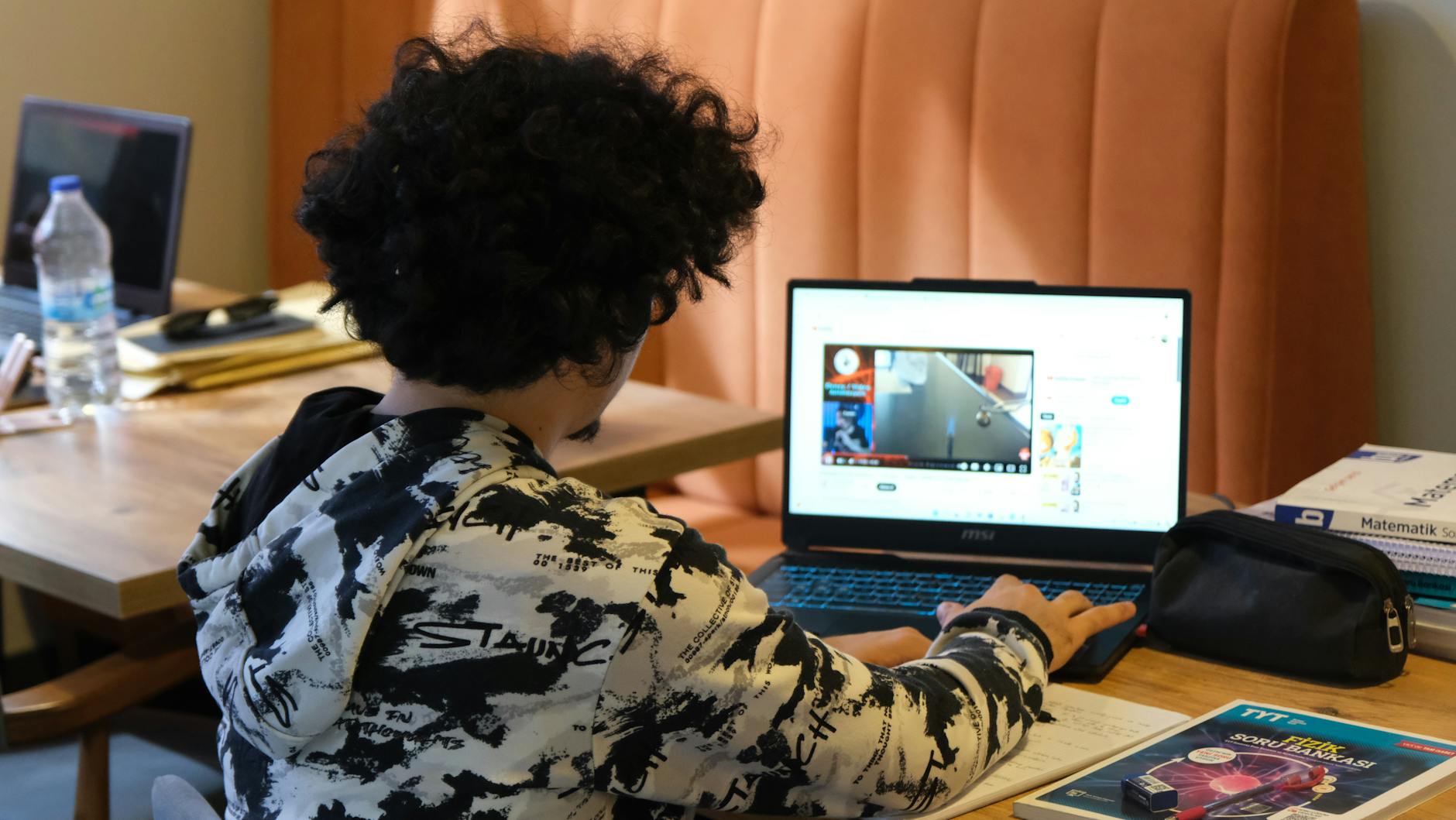
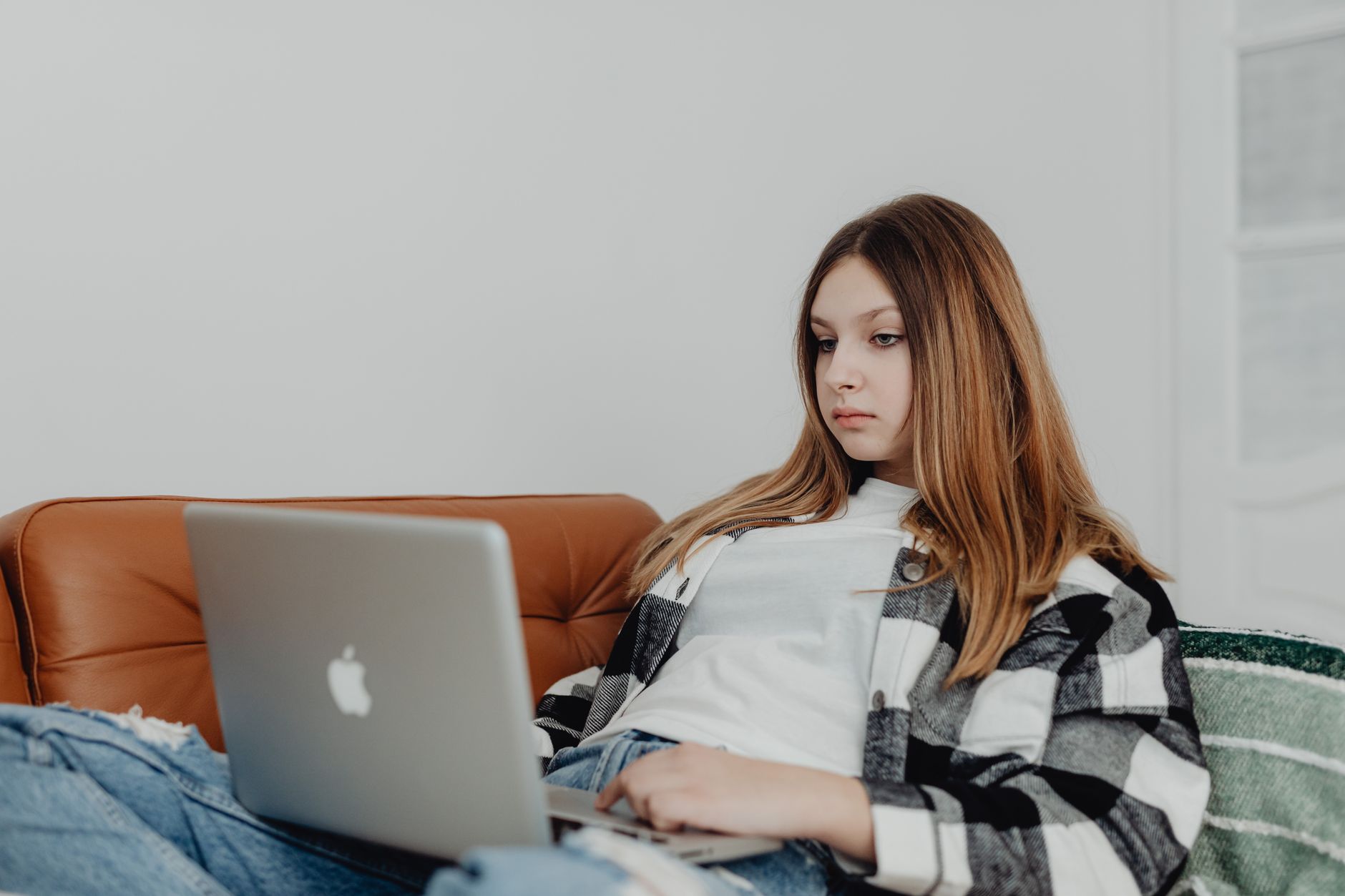
In short: In the world of random video chatting, the technical quality of your stream isn't a matter of vanity, but of communication. A dark screen, distorted sound, or awkward framing create an invisible barrier that pushes your interlocutors to click "next" before you've even opened your mouth. Conversely, a crisp image and clear sound subconsciously signal that you are a serious person invested in the exchange. This guide details how to optimize your hardware resources and environment to transform a simple webcam into an effective connection tool.
The "Amateur Stream" Trap: Why Technicals Matter
There is a tendency to think that random video chatting is a space of raw spontaneity where naturalness takes precedence over form. This is a mistake. In reality, we are all subject to cognitive biases: a blurry image or backlit lighting are often unconsciously associated with a lack of care or, worse, an attempt to hide one's identity.
First impressions on a webcam happen in less than two seconds. If your interlocutor has to squint to guess your facial expressions or turn up their computer volume to drown out background noise, the mental load of the conversation increases. As a result, the exchange fizzles out faster. The goal isn't to look like a news anchor, but to eliminate technical friction to make room for the human element.

Lighting: The Key to a Sharp Image
The most common mistake is positioning yourself with your back to a window. The result is systematic: you become a black silhouette against a bright white background (backlighting). To be visible and engaging, light should come from the front or from a three-quarter angle.
Natural Light
The best light source remains the sun. Position your desk facing a window. Daylight is soft, flattering, and renders colors naturally. However, be careful with direct exposure: sun that is too bright can create harsh shadows on the face or force you to close your eyes.
Artificial Lighting
If you chat in the evening or in a dark room, a simple desk lamp won't be enough as it creates heavy shadows under the eyes. Using a ring light allows light to be diffused circularly, eliminating shadow zones and adding that small circular reflection in the pupils that makes the gaze look more alive. For those who prefer a more discreet approach, a compact LED panel can be attached directly to the monitor for homogeneous lighting.
Sound: The Invisible but Crucial Element
Average image quality is forgiven, but bad sound never is. Constant crackling or an echo effect make the conversation exhausting. Built-in laptop microphones are often poorly placed: they pick up the PC fan noise as much as your voice.
To solve this problem, investing in a headset with a microphone is the simplest and most effective solution. This not only isolates your voice but also prevents sound coming from your speakers from being fed back into the microphone, avoiding the unbearable echo effect for your interlocutor.
If you are looking for superior quality without wearing a headset, a directional USB microphone is ideal. It captures sound in front of it and ignores surrounding noise. Also, consider treating your room: a rug on the floor or thick curtains reduce sound reverberation on bare walls, making your voice warmer and more present.

Framing and Composition: The Art of Staging
Framing influences the perception of your personality. A viewing angle that is too low (the camera filming your nostrils and chin) is generally perceived as dominant or awkward. An angle that is too high can give the impression that you are shrinking away.
The Golden Rule: Eye Alignment
Your webcam should ideally be at eye level. If you use a laptop, don't hesitate to use a laptop stand to raise the screen. This creates direct eye contact with the interlocutor, simulating a real face-to-face conversation.
Background Management
What is behind you tells a story. An unmade bed or a pile of dirty laundry in the background distracts the interlocutor and can harm your credibility. The idea isn't to have a cold, minimalist set, but a tidy space. A green plant, a bookshelf, or ambient lighting with a table lamp can add character to your image without being intrusive.
For those who cannot tidy their space, using a green screen allows you to replace your environment with a neutral image, although this can look artificial if the cutout is poorly done. A simpler alternative is to use a physical room divider.

Software Optimization and Stability
The best hardware in the world is useless if your internet connection is saturated or if your software settings are poorly configured.
Bandwidth Management
Video chatting consumes a lot of real-time data. To avoid freezes or pixelation, prioritize a wired connection via an Ethernet cable over Wi-Fi. If you are on Wi-Fi, move closer to your router or invest in a Wi-Fi repeater to stabilize the signal.
Webcam Settings
Many users leave their webcam in "automatic" mode. The problem is that the camera constantly adjusts brightness and white balance, creating unpleasant color variations. If your software allows it, set the exposure manually.
Finally, to protect your privacy while remaining professional, installing a physical webcam cover is essential. It is a simple security measure that prevents visual hacking when you are not using the platform.
Summary of the Ideal Setup Kit
To move from an amateur stream to a high-quality stream, here is the summary of priorities by investment level:
| Priority | Budget Solution | Optimized Solution | Impact |
|---|---|---|---|
| Light | Facing a window | Ring light + LED panel | Visibility & Trust |
| Sound | Smartphone earbuds | Headset with mic or USB Mic | Clarity & Comfort |
| Angle | Books under the PC | Laptop stand | Eye contact |
| Decor | White wall / Tidy room | Polished decor / Neutral background | Professionalism |
| Stability | Close to Wi-Fi | Ethernet cable | Stream fluidity |

By optimizing these technical details, you don't just change your image; you change the dynamics of your encounters. By providing visual and auditory comfort to your interlocutors, you drastically increase your chances of engaging in longer, deeper, and more pleasant conversations. The technology then fades away to make room for the essential: human connection.