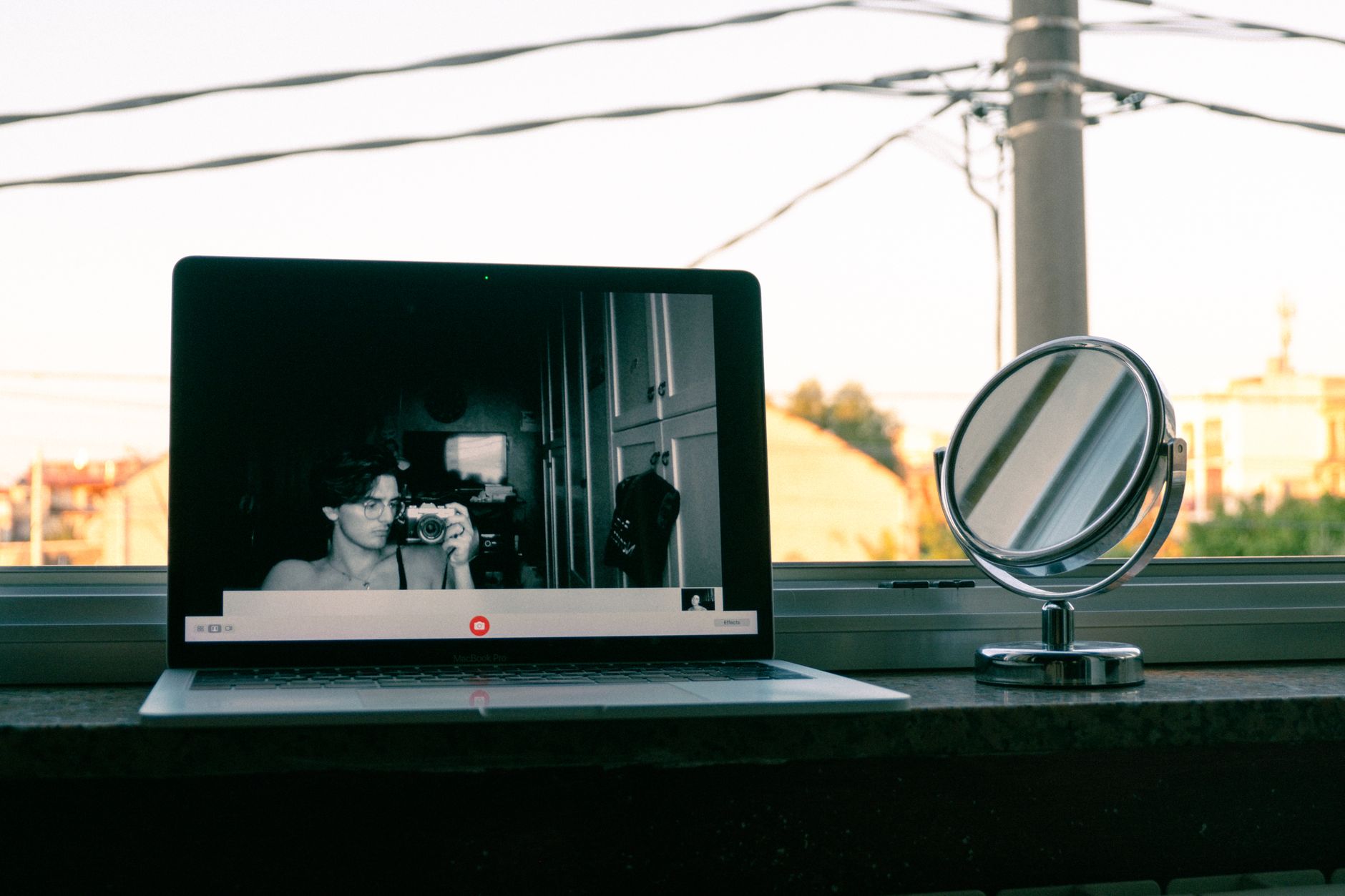
In short: Ever since remote work went mainstream, the company laptop has been spending its days in the living room — and its evenings there too. Opening a random video chat on that machine, or over the office Wi-Fi, feels harmless: nobody is looking over your shoulder. Except that the device, the network and sometimes the background of your own video say far more than you imagine. This guide walks through what is actually tracked, what French law says about monitoring employees, and the simplest way to cleanly separate professional use from personal curiosity.
The real issue isn't morality, it's traceability
Let's clear up a misunderstanding first. Using a chatroulette is neither illegal nor shameful: it's a conversational pastime like any other, and a large share of sessions involve people chatting about music, travel or how their day went. The point of this article isn't to judge the activity, but to point out one thing: a work computer is not a private space, and a video chat platform is precisely the kind of service that leaves readable traces.
Three layers record something when you connect:
- The browser and the operating system, which keep history, cache, cookies and any camera or microphone permissions granted to a specific domain.
- The corporate network, which logs at minimum the domain names resolved and the addresses contacted, often through a proxy or DNS filtering.
- The managed device itself, when the employer has installed a fleet management solution, a corporate antivirus or a security agent that reports launched applications and the categories of sites visited.
None of these layers was designed to spy on you personally. They exist for perfectly legitimate IT security reasons. But they generate logs, and those logs can be consulted — within a specific framework.

What French law says about employer monitoring
The framework is more nuanced than people assume, and it's worth knowing.
The CNIL points out that an employer may put in place systems to monitor internet use, provided they are proportionate, that employees are informed in advance (IT charter, internal rules, staff memo) and that employee representative bodies have been consulted. A covert system is in principle unenforceable against the employee.
The Cour de cassation, for its part, has established a stable principle: files and connections made from work equipment are presumed to be professional, unless they are explicitly identified as personal. In other words, the employer may access them in your absence, except for anything clearly marked "private". And that presumption extends to internet connections: case law has long held that connections established during working hours from a work device are presumed to be professional in nature.
Finally, the French Labour Code guarantees a right to respect for private life in the workplace, and "reasonable" personal use of IT tools is generally tolerated. But "reasonable" fairly naturally excludes long video chat sessions in the middle of the working day, and the potentially explicit nature of some content encountered on these platforms can be reclassified as misconduct, particularly where the IT charter expressly prohibits pornographic websites.
Remember the simple rule: whatever passes through the employer's equipment or network can be seen by the employer. The law governs how they look, not your ability to erase what has already been logged.
Working from home doesn't erase the corporate network
Many people reassure themselves by thinking that at home, the connection goes through their own router. That's true — unless a corporate VPN is active, which is the case in most modern professional setups.
Two modes coexist:
| Configuration | What goes through the company | Visibility of your personal browsing |
|---|---|---|
| "Full tunnel" VPN | All traffic from the device | High: every domain visited is logged on the company side |
| "Split tunnel" VPN | Internal resources only | Low on the network side, but the device remains managed |
| No VPN, personal device | Nothing | None on the employer's side |
The problem is that users generally have no idea which mode they're in. And even with split tunnelling, the security agent installed on the machine keeps running: it sees processes, browser extensions, sometimes URLs.
The practical conclusion is straightforward: if the device belongs to your employer, assume that no genuinely private browsing exists. A browser's "private browsing" mode blocks neither the DNS logs, nor the proxy, nor the local agent. It only erases local history.
The solution is hardware, not software
The only separation that holds up is a physical one. That doesn't mean spending heavily: a refurbished second-hand computer, an entry-level tablet or even a smartphone is more than enough for video chat use.
A few compartmentalisation principles that actually work:
A device dedicated to personal use. This is the golden rule. A refurbished laptop for personal use now costs less than an annual subscription to a premium platform, and settles the question of corporate logs once and for all. It handles a 720p video stream without difficulty, which is the standard format on virtually every chatroulette.
A separate network. If your router allows it, enable a guest Wi-Fi network and connect your personal devices to it. This also prevents a managed work device from mapping the other machines in your household.
A separate user session, failing that. If you only have one personal machine shared with the family, create a distinct system profile rather than a simple browser profile. Camera permissions, histories and downloads will stay compartmentalised.
Clean credential management. Use an email address dedicated to online leisure — never your work address, never your main address. A password manager stops you reusing the same key everywhere, which remains the leading cause of account compromise according to ANSSI's recommendations.

The background: the risk everyone systematically forgets
This point deserves a chapter of its own, because it also concerns people using strictly personal equipment.
In random video chat, the person on the other end sees you for several seconds or several minutes, and can take a screenshot at any moment. Whatever is behind you therefore becomes public information. When working from home, the setting is often the same one used for your professional video calls — and it contains more than you'd think:
- A company badge lying on the desk, with a logo and sometimes a legible name.
- Documents, a whiteboard, a sticky note on the screen.
- A second monitor switched on, showing an email client or an internal dashboard.
- Diplomas, family photos, letters, parcels with address labels.
- A window hinting at an identifiable building or street.
Open-source investigators cross-reference exactly this kind of detail. A blurry street sign plus a regional accent plus a first name is often enough to dramatically narrow down the possibilities.
The fix is simple and inexpensive. The background blur built into platforms remains imperfect: it breaks down as soon as you move and lets fragments through. The most reliable solution is still a physical one: a retractable green screen or a plain backdrop placed behind you removes all contextual information, and incidentally improves the perceived quality of your image. Failing that, turn towards a bare wall and check your framing before every session.
The same logic applies to the camera itself: an adhesive webcam cover costs a few euros and guarantees that no software — corporate or malicious — is filming while you think the camera is off. It's a recommendation found in most mainstream digital hygiene guides, including those published by Cybermalveillance.gouv.fr.
Sound, the other channel that leaks
We watch the image and forget the audio. Yet an open microphone picks up far more than what you think you're saying.
In shared housing or with family around, a laptop's built-in microphone records conversations in the next room, a work phone ringing, a first name called out from the hallway. In random video chat, that's enough to hand a stranger information you never intended to share.
Two habits are enough:
- Favour a directional microphone over an omnidirectional one. A noise-cancelling headset isolates your voice and cuts out most of the background noise. It also prevents the person you're talking to from being heard by the rest of the household, which is the other half of the problem.
- Know the mute shortcut on the platform you're using, and hit it the moment someone else walks into the room.
On this topic, our guide to optimising your video chat setup covers audio and lighting configurations; this article focuses on what they mean for your privacy.

What about the lunch break at the office?
A frequent question with a nuanced answer. Using your own smartphone on your own mobile plan during a break falls within your private sphere: the employer has no access to that traffic. Two caveats, though.
First, if you connect to the company Wi-Fi from your personal phone, you put that traffic right back inside the corporate network perimeter, with the logs that come with it. Your mobile data plan, or tethering from another device, is preferable.
Second, the place matters as much as the device. An open-plan office, a break room, a glass-walled corridor: your screen is visible and your webcam picks up colleagues in the background, which raises a genuine image-rights issue for them. Filming other people, even unintentionally, and broadcasting that image without consent exposes you to prosecution under Article 226-1 of the French Penal Code. A random video chat broadcasts live: that counts as broadcasting.
Common sense: if you absolutely must connect during a break, do it in an enclosed space, with no third parties in shot, and never from a corporate network.
What to do if personal use gets flagged
An unpleasant but not uncommon scenario: a filtering report, a comment from the IT department, a summons. A few pointers.
- Don't lie about the technical facts. The logs exist, and denying them weakens your position far more than the activity itself.
- Check that the monitoring system was declared. An IT charter that was circulated, a posted notice, a consultation with the works council. Non-transparent monitoring is contestable, and the CNIL has already sanctioned employers on those grounds.
- Distinguish occasional use from massive use. Case law is far harsher on hundreds of cumulative hours than on occasional use during a break.
- Ask for an employee representative before any preliminary interview. It's a right, and it materially changes how the discussion unfolds.
A ten-minute compartmentalisation checklist
| Action | Effort | Benefit |
|---|---|---|
| Never open a chatroulette on an employer's device | None | Decisive |
| Use a dedicated personal device | Low | Decisive |
| Guest Wi-Fi for personal devices | 10 min | High |
| Bare wall or plain backdrop behind you | 2 min | High |
| Physical webcam cover | 1 min | High |
| Directional headset microphone | One-off purchase | Medium to high |
| Email address dedicated to leisure | 5 min | Medium |
| Check your framing before every session | 15 s | High |
Key takeaways
Remote work has created a grey area: the same room, the same desk, sometimes the same screen serve both the 10am meeting and the 11pm curiosity. Random video chat is no more dangerous than any other online pastime, but it combines three characteristics that make it particularly sensitive in a professional context: it uses the camera, it exposes your surroundings, and it appears in most corporate filtering categories.
The answer isn't to give it up, nor to pile on concealment tools — which almost always fail against a managed device. It's to physically separate the two worlds: a personal device, a distinct network, a neutral backdrop, a headset that isolates. Once that separation is in place, the question simply stops arising, and you can enjoy your conversations with strangers with a clear mind — which, after all, is the only condition for them to be good ones.